Tutorial
Recreating Stripe's Amazingly Detailed Carousel With Tailwind
A rebuild of the Stripe Sessions speaker carousel with Tailwind CSS
Preview
import "./index.css";
import classNames from "classnames";
import { persons } from "./persons";
import { useEffect, useRef, useState } from "react";
function App() {
const [activeItem, setActiveItem] = useState(5);
const wrapperRef = useRef<HTMLUListElement | null>(null);
const timeoutRef = useRef<number | null>(null);
useEffect(() => {
if (!wrapperRef.current) return;
if (timeoutRef.current) {
clearTimeout(timeoutRef.current);
}
wrapperRef.current.style.setProperty(
"--transition",
"600ms cubic-bezier(0.22, 0.61, 0.36, 1)"
);
timeoutRef.current = setTimeout(() => {
wrapperRef.current?.style.removeProperty("--transition");
}, 900);
return () => {
if (timeoutRef.current) {
clearTimeout(timeoutRef.current);
}
};
}, [activeItem]);
return (
<div className="flex h-full w-full items-center justify-center">
<div className="w-[1200px] max-w-full">
<ul
ref={wrapperRef}
className="group flex flex-col gap-3 md:h-[640px] md:flex-row md:gap-[1.5%]"
>
{persons.map((person, index) => (
<li
onClick={() => setActiveItem(index)}
aria-current={activeItem === index}
className={classNames(
"relative cursor-pointer md:w-[8%] md:first:w-[1%] md:last:w-[1%] md:[&[aria-current='true']]:w-[48%]",
"md:[transition:width_var(--transition,200ms_ease-in)]",
"md:before-block before:absolute before:bottom-0 before:left-[-10px] before:right-[-10px] before:top-0 before:hidden before:bg-white",
"md:[&:not(:hover),&:not(:first),&:not(:last)]:group-hover:w-[7%] md:hover:w-[12%]",
"first:pointer-events-none last:pointer-events-none md:[&_img]:first:opacity-0 md:[&_img]:last:opacity-0"
)}
key={person.name}
>
<div className="relative h-full w-full overflow-hidden rounded-2xl bg-[#c9c6c7]">
<img
className="absolute right-0 top-1/2 h-auto w-24 max-w-none -translate-y-1/2 object-cover grayscale md:left-1/2 md:h-[640px] md:w-[590px] md:-translate-x-1/2"
src={person.img}
alt={person.name}
width="590px"
height="640px"
/>
<div
className={classNames(
"inset-0 opacity-25 duration-300 before:absolute before:bottom-0 before:left-[-546px] before:right-0 before:top-[-148px] before:z-10 before:bg-texture after:bottom-[28px] after:left-0 after:right-[-434px] after:top-0 after:z-10 after:bg-texture md:absolute md:transition-opacity",
activeItem === index ? "md:opacity-25" : "md:opacity-0"
)}
/>
<div
className={classNames(
"left-8 top-8 w-[590px] p-4 transition-[transform,opacity] md:absolute md:p-0",
activeItem === index
? "md:translate-x-0 md:opacity-100"
: "md:translate-x-4 md:opacity-0"
)}
>
<p className="text-sm uppercase text-primary md:text-lg">
{person.title}
</p>
<p className="text-lg font-bold md:text-4xl">{person.name}</p>
</div>
</div>
</li>
))}
</ul>
</div>
</div>
);
}
export default App;
What you’ll learn
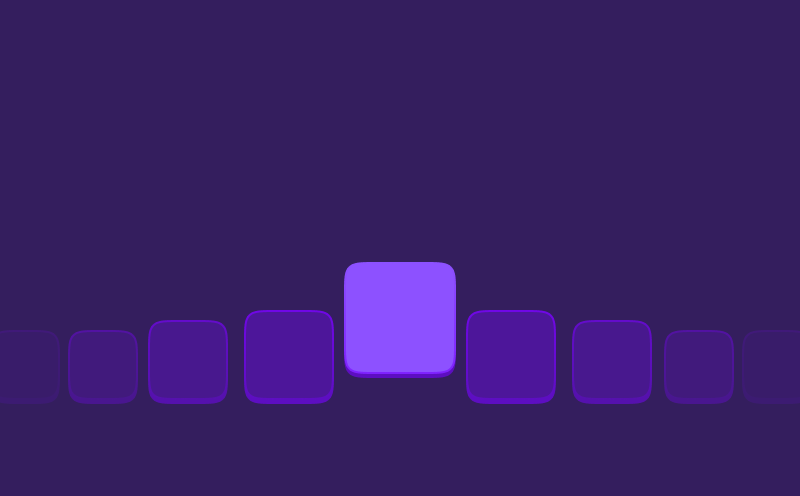
Last week Stripe released their new Stripe Sessions website, full of amazing details. One of the things that stood out was their speakers carousel. A carousel that has lot’s of nice small animations and feels like a breeze to use.
In this video we’ll be recreating this carousel with Tailwind CSS. We’ll be mainly focussing on the animations and styling part. The JavaScript part is kept to a minimum.
Eager to learn more?
I think this video might be a good fit for you too!